VSCode is one of my favorite IDEs, but it also sneakily downloads updates and installs them automatically, and quite frequently. I don't really like software automatically updating without my knowledge, so I decided to disable this behavior.
First, open VSCode, click the gear icon in the lower-left corner, and select 【Settings】 from the pop-up menu. Alternatively, you can use the shortcut key Ctrl + , to open the settings page directly.
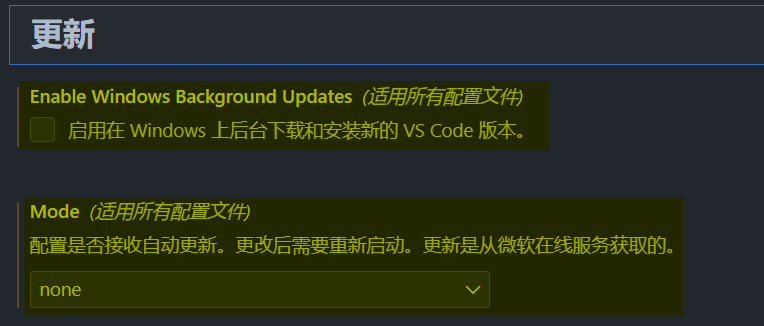
Navigate to 【Application】【Update】, uncheck Enable Windows Background Updates, and set the Mode to none.